Most people see canvas space as just a bigger artboard. But when you give professional designers unlimited space to work, something interesting happens: they don’t just make bigger designs: they start thinking differently about design itself.
We’ve watched how pro designers use Kittl’s Infinite Canvas, and the patterns are clear. They’re not just organizing artboards more efficiently. They’re changing how they solve problems, how they tell stories, and how they make design decisions.
This isn’t about having more room to spread out. It’s about unlocking workflows that rigid, page-based tools simply can’t support. Here’s how pros really use Infinite Canvas to think and work on a higher level.
They build visual stories, not just layouts

Most design tools break projects into fragments: you make one logo file, one poster file, one mockup file, and hope they work together. Infinite Canvas flips that. Pros lay everything out as a story, where ideas move in sequence from messy to refined.
One branding project we saw laid it out perfectly. Instead of jumping straight to the “final,” pros build horizontal flows:
- Left side: raw references and mood building
- Middle: iterations and explorations
- Right side: polished assets ready to export
The flow makes the creative process visible. When a restaurant client reviewed a rebrand set up this way, they didn’t just see a finished logo. They walked through the narrative of competitor research, sketches, palette trials, and applications — and left convinced by the strategy, not just the design.
Pro Tip
Use color-coded backgrounds to mark different phases (blue for inspiration, yellow for explorations, green for finals). It makes your story flow instantly clear when you zoom out.
They create territories, not random arrangements
Those who just see what is provided usually just scatter artboards wherever there’s space. Pros treat their canvas like a map, carving out clear territories for each part of the project.
One agency split a branding project into three territories:
- Brand territory: logo variations, type hierarchy, and palette tests
- Campaign territory: ads laid out by channel, headline swaps, and consistency checks
- Exploration territory: messy ideas, failed attempts, sketches worth revisiting
By keeping everything in its lane but still visible, they caught things a page-based tool would have hidden: like campaign colors that didn’t hold up against the master palette, or explorations that were too similar to add real value.
Territories transform “more space” into strategic space — a place where you can see systems take shape.
They work in context, not isolation
Control in Photoshop or Illustrator means opening a dozen files and toggling endlessly. In Kittl, that same control exists inside a single canvas, where pros design with context instead of isolation.
Infinite Canvas lets designers make decisions in context:
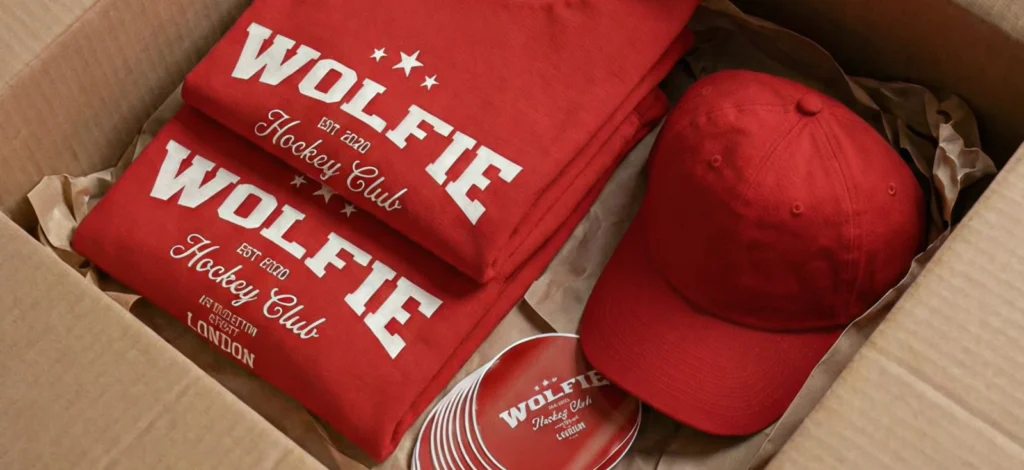
- Front and back T-shirt prints sit side by side so inconsistencies are obvious.
- Label variations for a product family are lined up in rows to check cohesion at a glance.
- Campaign assets for Instagram, posters, and email headers live together so the narrative thread is tested across every channel at once.
Something like this:

One freelance designer told us they discovered a color palette issue this way: it looked fine on individual boards, but when all the variations were lined up, one option broke the visual family. The problem would’ve slipped through in separate files.
Infinite Canvas gives designers not just freedom to create, but the ability to design relationships in context. And that context is what sharpens decisions.
Pro Tip
Export your whole canvas as a single PDF at review time. Clients see the context of your decisions without you having to explain it slide by slide.
They use canvas as visual documentation

Every designer has delivered a static PDF style guide that was outdated within a month. Infinite Canvas lets pros skip the static handoff and create living documentation that evolves with the project.
We’ve seen brand guides built directly into the canvas: logos shown in context across packaging and digital touchpoints, palettes demonstrated through applied mockups, typography hierarchies stress-tested in real layouts. Alongside those, pros keep “dead ends” — rejected concepts, sketches, even client feedback notes — to form a transparent record of the creative path.
When it’s time for handoff, there’s no static PDF to update and no guesswork for developers or marketers. The Infinite Canvas itself is the brand manual — alive, visual, and always up to date.
Pro Tip
Snap screenshots of your canvas at key milestones (early exploration, mid-project, final). Save them in a folder called “project timeline.” It’s the fastest way to build a case study later.
They design relationships, not just assets
The highest-level shift is this: pros don’t just design assets. They design relationships.
We’ve seen:
- Visual ecosystems: how an IG post style influences email headers, how packaging colors align with campaign visuals
- Version mapping: product families, campaign adaptations, seasonal updates all mapped to show consistency and individuality
- Compound effects: systems where every element reinforces the rest, campaigns where assets build momentum across touchpoints
Claud’s word control comes back here. Other tools let you design one piece at a time. Infinite Canvas lets you control how pieces interact. That’s the difference between design as output, and design as ecosystem.
Pros don’t just ask, “Does this asset look good?” They ask, “Does it strengthen the system it lives in?” Infinite Canvas makes that visible, and therefore possible.
The cognitive shift: From pages to possibilities
What we’re really seeing is a fundamental shift in how designers think when they’re not constrained by page-based tools.

Key takeaways
Infinite Canvas isn’t about bigger artboards, it’s about bigger thinking.
Pro designers use it to:
- Tell stories, not just show layouts. Making their process as convincing as their results.
- Create territories, not clutter. Turning space into strategy.
- Design in context, not isolation. Catching problems and proving cohesion at a glance.
- Document visually, not statically. Handing off living, evolving systems instead of PDFs.
- Build ecosystems, not assets. Seeing how every element strengthens the whole.
This shift is what makes Infinite Canvas more than a feature. It’s a mindset — from pages to possibilities.
Experience professional-level design thinking
Great designers don’t just fill space — they rethink how space is used. Infinite Canvas isn’t just “more room.” It’s a shift in how you approach design problems, present your process, and build systems that last.
Ready to see how unlimited creative space changes the way you approach design problems?

Shafira is a content writer who turns boring business talk into reads people actually enjoy. She grew up hoarding $1 novels in Singapore and writing hilariously bad fiction, but now she tackles content marketing with all that creative chaos since 2019. From blogs and newsletters to UX and SEO, she writes how she thinks: nerdy, honest, and a bit offbeat. She believes the best content is human-designed, not just plain text.