Free product mockups for you who is going to build a brand, because Kittl knows that the hardest part often isn’t the product itself, it’s showing the world what it could be. That’s the power of mockups. They make your potential customers see the products as if it’s already in their hands.
They also level the playing field for small business owners. A single polished mockup can become your marketing material, your sales preview, even your pitch deck centerpiece; all before you’ve spent a dime on production. And with Kittl, it doesn’t take hours in complex software. In just four easy steps, you can transform a flat design into a professional mockup that looks ready for the market. This article will explore how.
Step 1: Find your starting point

Most creators get stuck here: the blank canvas moment. You’ve got a product idea, but when it comes time to “make it real,” a blank screen is intimidating. Should you design a logo first? Pick colors? Figure out typography? It’s overwhelming.
Kittl’s template library takes that pressure off. Instead of starting from nothing, you can explore thousands of labels, apparel graphics, poster layouts, and more — then pick one that sparks something. From there, swap in your name, your product, your style, and you’ll instantly have a reliable starting point.
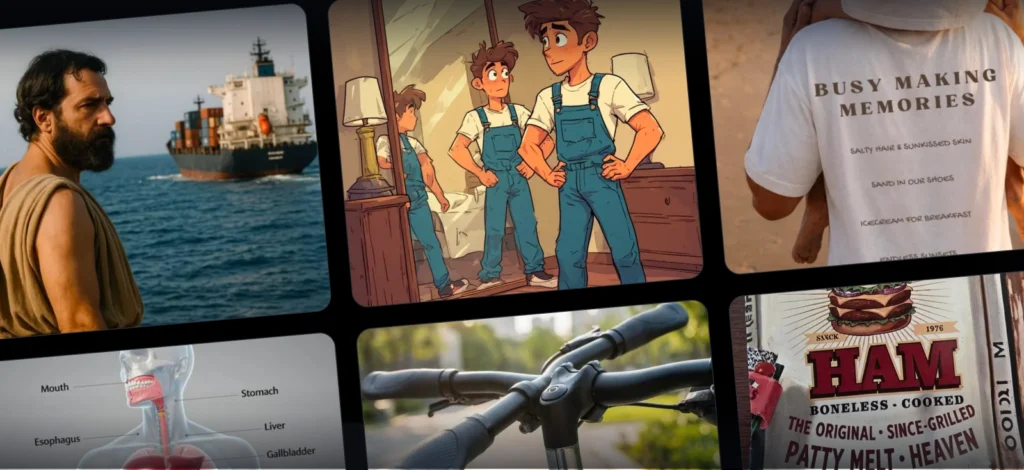
Here’s some examples of the templates that Kittl has for you:


How to explore templates in Kittl
1. Open the Templates panel on the right-hand side of the Kittl Editor
2. Type in Keywords that match your vibe:
- “y2k t-shirt” if you’re leaning into playful, retro nostalgia.
- “vintage badge logo” if you want your brand to feel rooted and trustworthy.
- “minimal packaging” if clean, upscale simplicity is your goal.
- And so much more!
3. Drop one onto your canvas and start experimenting.
Pro Tip
Don’t just look for what you “like.” Look for a template that would make sense next to your competitors. If your design feels like it belongs in that lineup (but still has room to evolve into your own), you’ve found the right starting point.
Step 2: Place it on a product

Once your design feels ready, the next step is to see how it behaves in the wild. Because designs don’t live on flat canvases.
What looks balanced on-screen can shrink into nothing on fabric, feel cluttered on packaging, or lose impact in a social feed. Context changes everything.
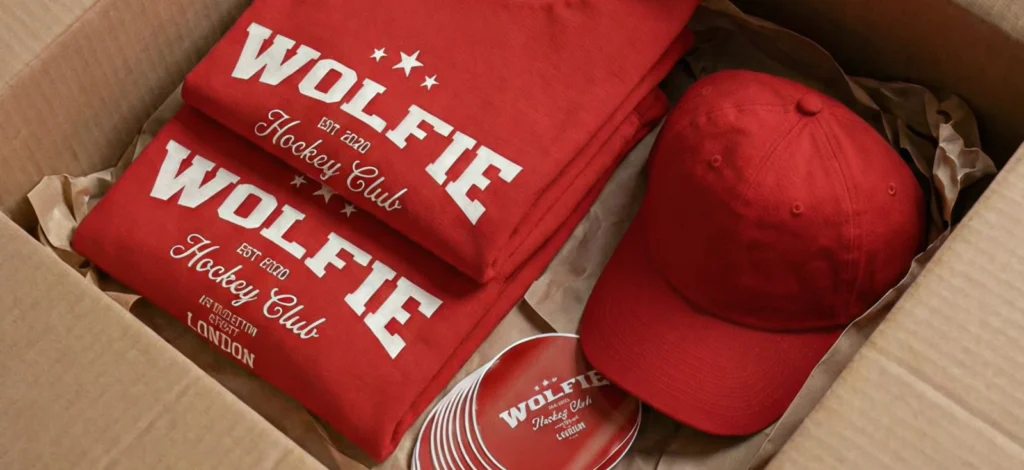
That’s why Kittl’s Mockup tool is so powerful. With one click, your design wraps around real products — bottles, T-Shirts, tote bags, brochures, billboards, and so much more.
Suddenly, you’re not just looking at a file. You’re looking at something people could hold, wear, or buy.
How to create a product mockup in Kittl
Accessing free product mockups with Kittl is simple and fast. On the right panel, you’ll find the Mockup tool.
Choose your category: T-shirts and hoodies for apparel, bottles and labels for packaging, boxes and bags for retail, posters and brochures for events, business cards for agencies, or social media mockups for your online presence. Apply your design instantly, then adjust the background or product colors to match your brand vision.
1. Open your design on the Kittl Editor
2. On the Right Panel, look for the Mockup button under the Tools section
3. Select your mockup type:
- T-shirts & hoodies → for clothing lines and POD sellers
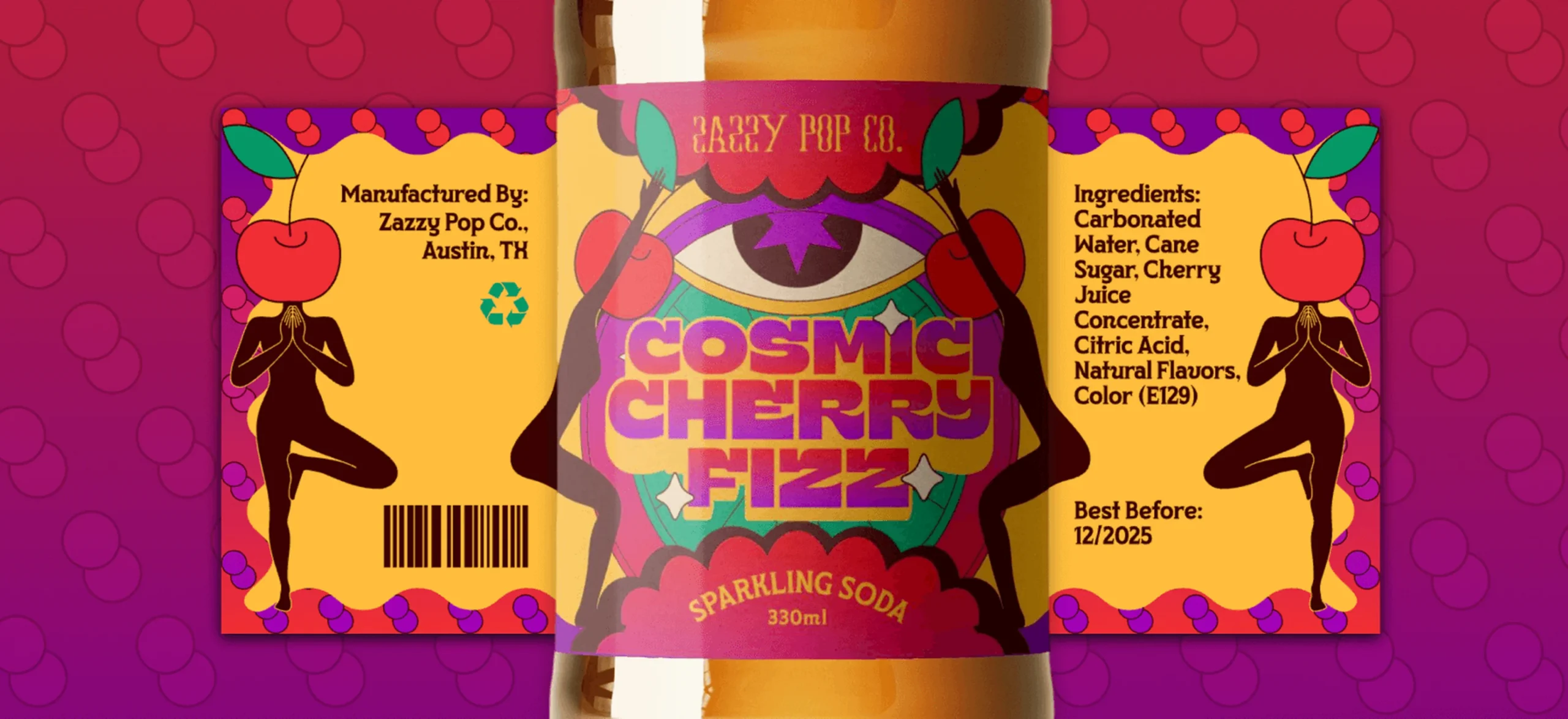
- Bottles & labels → for beverages, cosmetics, or specialty foods
- Boxes & bags → for packaging or retail products
- Posters & brochures → for events or marketing campaigns
- Business cards → for agencies and service-based work
- Social media mockups → for Instagram, TikTok, and online presence
3. Apply your design with one click, then tweak background and product colors for a perfect fit.
Pro Tip
Make two versions: one clean, isolated mockup for your store or portfolio, and one lifestyle mockup (a shirt on a model, packaging on a counter) for social media. The first builds trust. The second builds desire.
Step 3: Recolor

Here’s where the magic happens. Once your design is on a product, color becomes the difference between “nice” and brand-defining. A single palette swap can completely change how customers read your product. Kittl’s recolor tools let you experiment without commitment. Swap through curated palettes or build your own, and instantly see how your design’s personality shifts.
How to refine colors in Kittl:
1. Select your design in the mockup
2. Open the Color Picker in the right panel
3. Browse curated palettes like Red Autumn, Ocean Blue, or Candy Shop
4. Watch your design instantly transform with every swap
The same T-Shirt graphic can feel streetwear-bold in neon brights or high-fashion minimal in black and white. The same label can feel heritage craft in muted browns or summer-ready in pastels.
Pro Tip
Pick one main color you want customers to remember you by, then use supporting shades to complement it. That single “anchor” color keeps your mockups consistent across different products and makes your brand easier to recognize.
Step 4: Share and get feedback

You’ve got a professional-looking mockup, but here’s where most people freeze: “Now what do I actually do with this?”
The answer is simple: put it in front of real people and see what happens.
Most creators stop too early. They design something, mock it up, and assume it’s finished. But the smartest brands use mockups to experiment. They tell you what resonates before you’ve spent money on production.
Test before you invest
Before you spend money on production, use your mockup to validate your concept:
- Social media: Post it as “coming soon” and watch engagement.
- Your network: Share with friends, family, or peers who’ll be honest.
- Communities: Drop it into relevant groups or forums for target audience reactions.
- Email list: Ask subscribers to vote on options or give feedback.
Why this matters
Feedback isn’t failure, it’s free data. If people say the colors aren’t doing enough or the text feels small, you’ve just saved yourself from costly mistakes before launch.
And bonus: every comment you collect doubles as marketing copy and social proof later.
Pro Tip
Save early reactions. Compliments turn into testimonials. Critiques point to refinements. Together, they give you the blueprint for a well-selling product.
Why mockups matter for your brand?
For customers, a mockup bridges the gap between “that’s a cool design” and “I want this.” In fact, 23% of consumers say they won’t buy at all if a product doesn’t have imagery (and that number jumps to 36% for Gen Z.) That shift from seeing to wanting is the difference between a scroll-past and a sale.
For you, mockups are leverage. They let you validate ideas, refine direction, and even start selling before you’ve invested in inventory. Brands that use richer visual representations have seen return rates drop by 25% and product queries fall by 40%, because customers know exactly what they’re getting. Momentum, in numbers.
Key takeaways: How to create free product mockups on Kittl
- Start with templates, not a blank screen. Kittl’s library of mockup design templates gives you a faster way to build logos, packaging, and product artwork.
- Create product mockups in minutes. With Kittl’s free mockup generator, you can place your design onto T-Shirts, bottles, packaging, or posters instantly.
- Experiment with color palettes. Recolor tools help you test brand personalities without committing to one look.
- Use mockups as sales tools. Professional product mockups double as marketing assets, portfolio pieces, and even pre-order visuals for your store.
- Test before you invest. Sharing free mockups online lets you gather feedback and validate demand before spending on production.
Ready to give your brand the credibility it deserves?
The best mockup is the one you actually create. Don’t get stuck in analysis paralysis. Pick a template, place it on a product, and get it in front of real people.
Your first mockup won’t be perfect, and that’s exactly the point. It’s a starting point for learning what resonates with your audience and what your brand really needs.
Stop letting great ideas sit as files on your laptop. Transform them into something that looks ready for market. Good luck!

Shafira is a content writer who turns boring business talk into reads people actually enjoy. She grew up hoarding $1 novels in Singapore and writing hilariously bad fiction, but now she tackles content marketing with all that creative chaos since 2019. From blogs and newsletters to UX and SEO, she writes how she thinks: nerdy, honest, and a bit offbeat. She believes the best content is human-designed, not just plain text.