
Have you started using Design Bundles in Kittl yet? They’re a game-changer for creating projects that are cohesive from font to color to texture. With these kits, you don’t have to spend hours hunting down fonts, illustrations, shapes, and textures that work together.
So the assets you would’ve otherwise spent hours hunting down? They’re all packaged into a single curated, ready-to-use kit.
Below, we’ll break down exactly what Design Bundles are, why they’re worth adding to your creative toolkit, and show you some awesome Design Bundles you can use right now.
And the best part? So many of the Design Bundles are completely free to use.
What is a Design Bundle?
Think of a design bundle like buying a ready-made pack from Creative Market or Envato, but they’re already in Kittl. So you don’t need to buy the pack and upload it to your design editor.
Each bundle includes a complete collection of design elements built around one style or theme like the design bundle shown below:
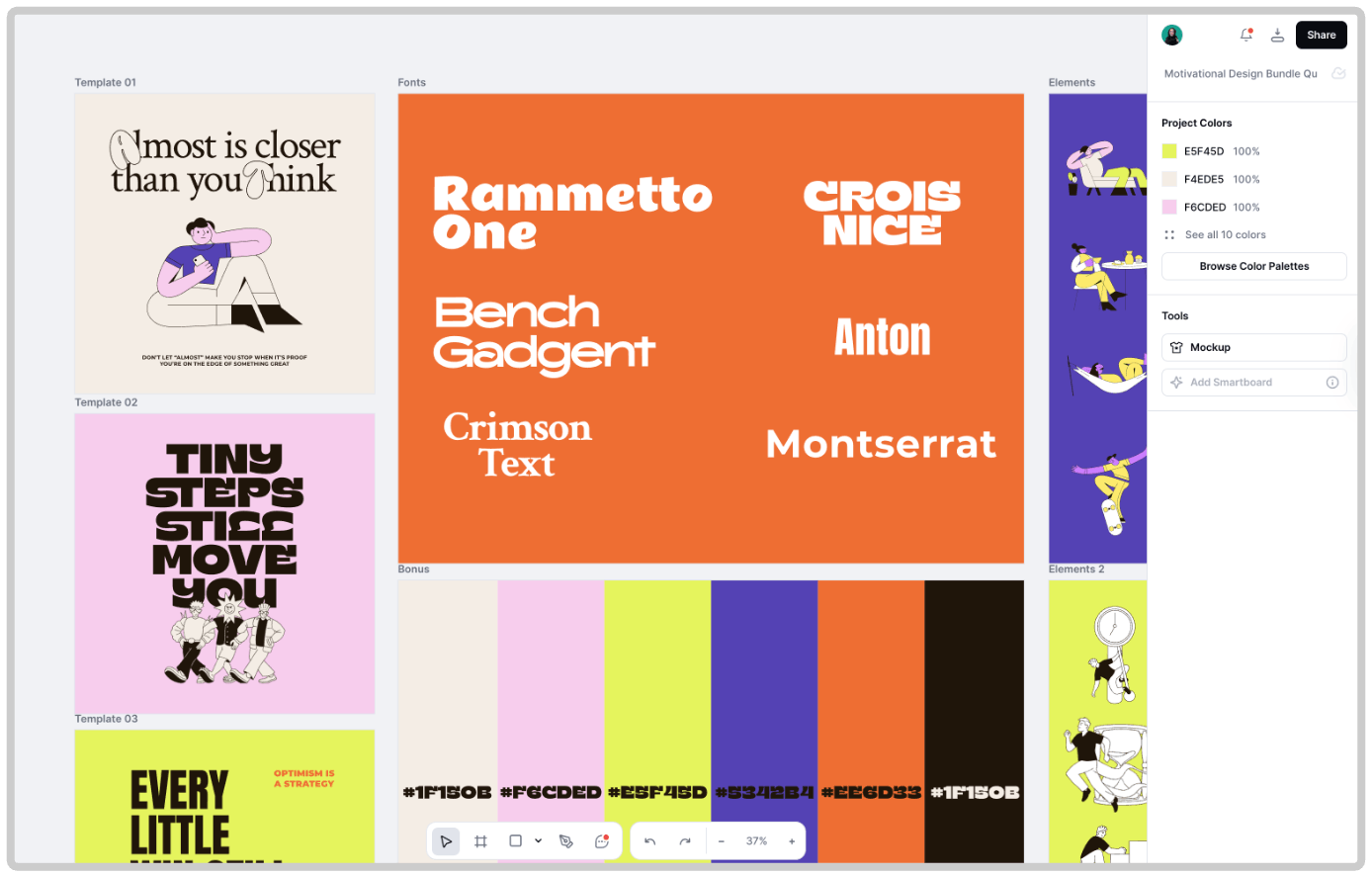
Let’s say you find an illustration you love. You might spend hours searching for matching icons, patterns, or complementary fonts. A design bundle solves that problem.
Everything you need — from layout templates to color palettes — is already organized in one place so you can start designing instantly.
So whether you’re building a brand, making social media posts, designing merch, or running a POD shop, you can save time and feel confident that the assets and graphics you’re using go together — because they were, after all, carefully collected by our team of designers.
How Design Bundles work in Kittl
When you open a design bundle in Kittl, you’re not just getting a few separate files. You’re opening a project that contains templates, illustrations, icons and symbols, textures and backgrounds, fonts, and even pre-made font combinations.
Take the Nostalgic Font & Label design bundle shown below, for example. Open the bundle and you’ll find:
- Pre-made templates so you don’t have to build your layout from scratch.
- Font selections and pairings that are specifically chosen for the style.
- Illustrations, shapes, and icons that capture the same style or aesthetic.
- Backgrounds, patterns, and textures that fit the theme.
- Color palettes with main colors, complementary colors, and accents.
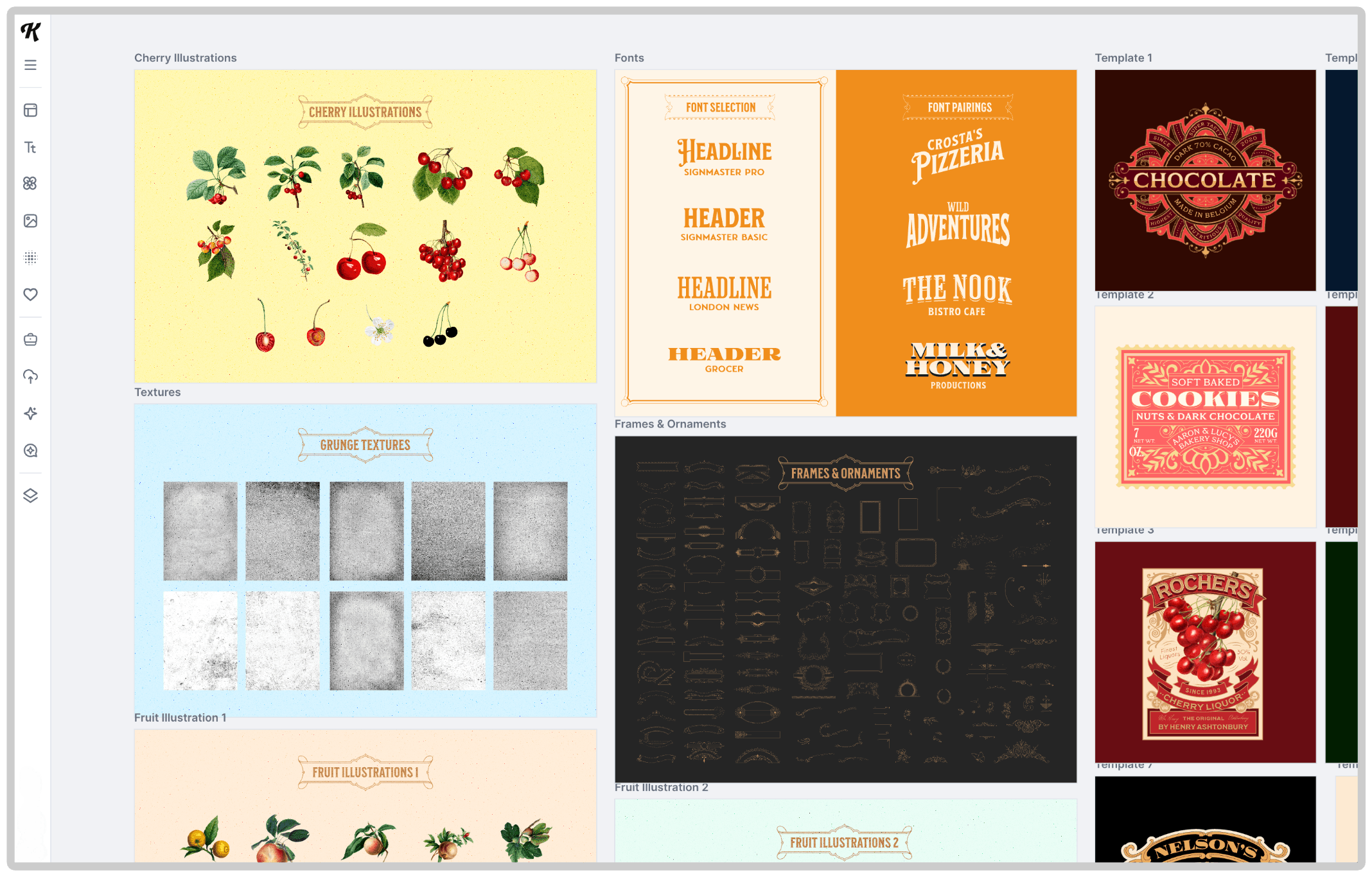
Everything’s editable. You can duplicate a logo, tweak the colors, swap the text, and instantly create multiple variations. Whether you’re building a brand identity, creating for your online shop, or working on client projects, Design Bundles are here to give you a leg up, create smarter, and faster.
Creating Brand Kits with Design Bundles
One of the best parts of working with bundles in Kittl is how easy it is to build Brand Kits. A Brand Kit contains all the design elements (fonts, colors, graphics) that you saved.
So you can easily find them in a single place when you need them to keep projects cohesive. This eliminates having to search repeatedly for the same illustrations, fonts, or color hex codes.
It’s ideal for branding and marketing projects to keep you always on-brand.
For example, say the theme or style of one of the bundles below aligns with what you need. You can:
- Save the fonts into a new brand kit.
- Upload the illustrations, icons, and shapes as brand assets.
- Store your color palette so you can grab it instantly in the future.
Then, whenever you create something new, you can pull from your brand kit and keep your designs consistent. And don’t worry if you need to update a color or graphic — update an asset once, and it updates across your projects automatically.

Vintage Apparel Design Bundle. Use Template
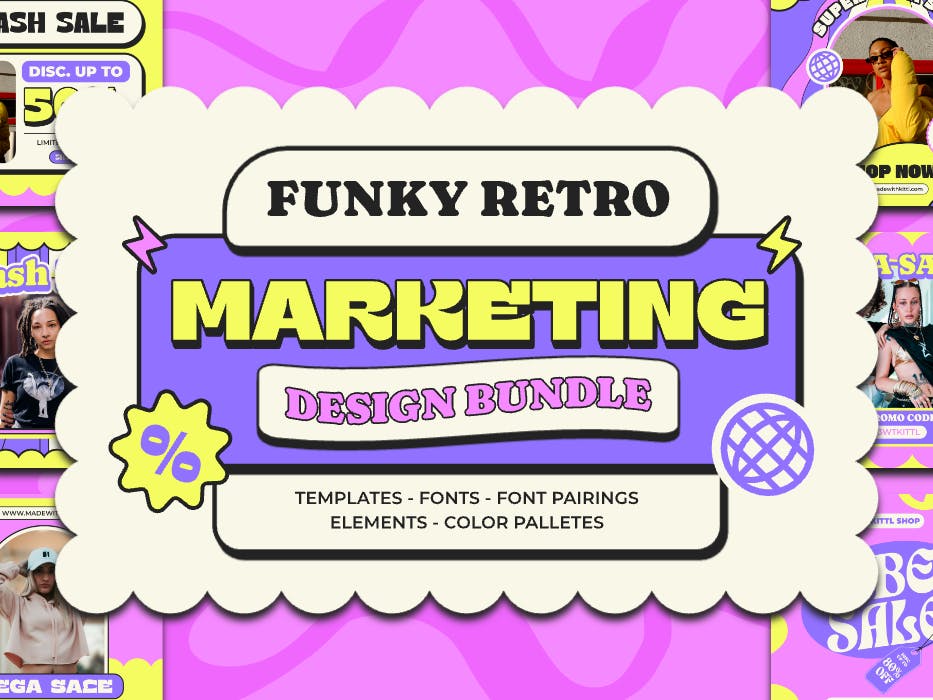
Funky Retro Marketing Design Bundle. Use Template
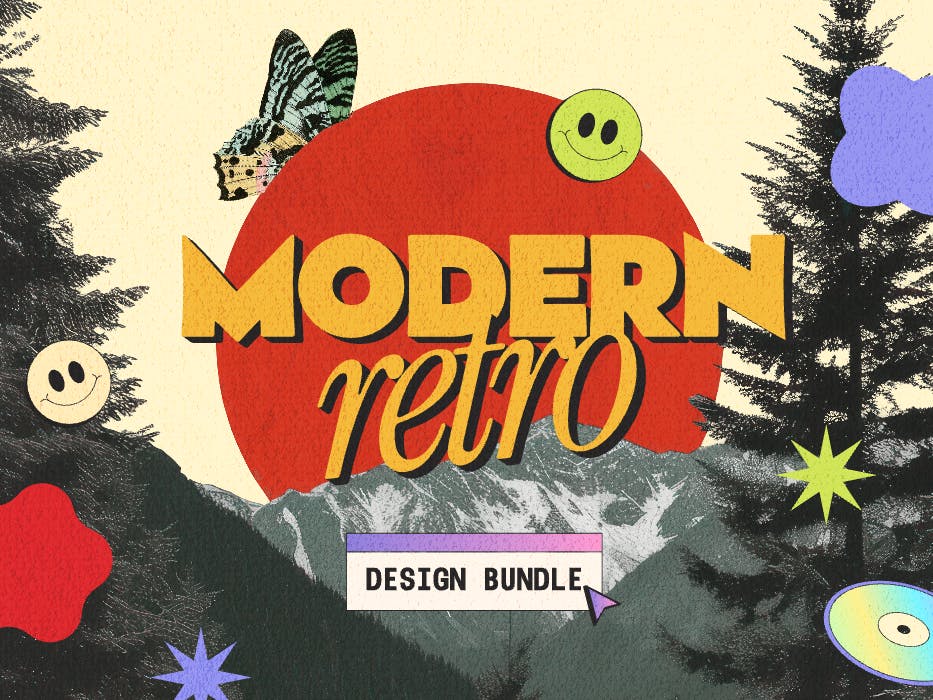
Modern Retro Design Bundle. Use Template
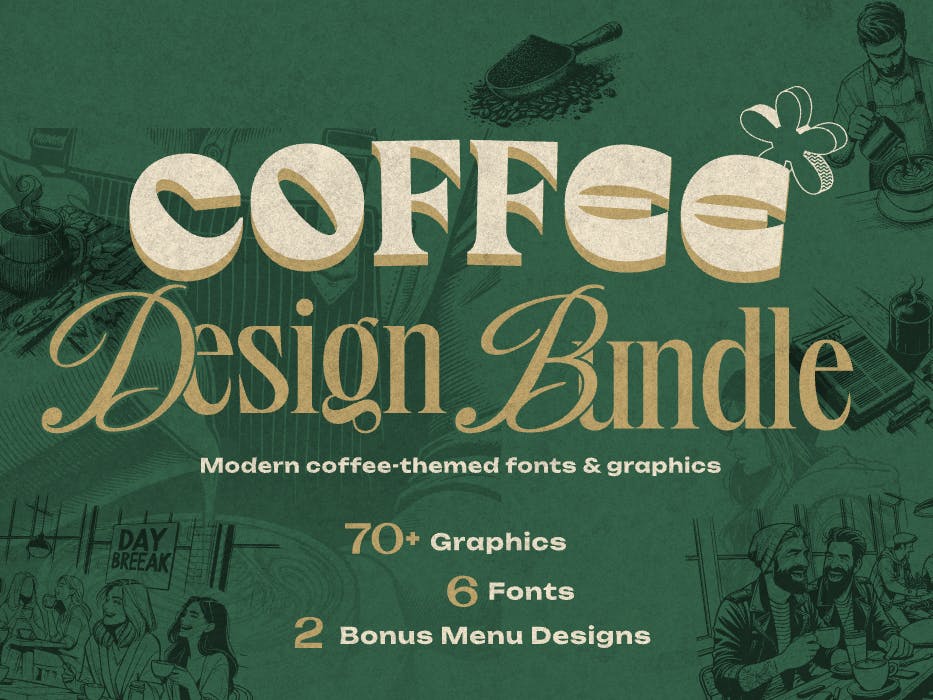
Coffee Design Bundle. Use Template
Why use design bundles?
Don’t hesitate to start using Design Bundles today. Start looking through the Design Bundle feed and incorporate these pre-made design packs into your workflow. You’ll benefit from:
1. Time savings
No more digging through the elements panel or searching multiple sites for matching components. This is particularly important if you’re working on time-sensitive projects or with clients, and time is money. Complete projects faster, and move on to the next.
Working with POD? Create more in less time so you can sell more.
2. Consistently cohesive designs
Every font, illustration, and shape in a bundle is chosen to work together seamlessly.
3. Easy customizations
From text settings to colors to textures, you can adjust every element to fit your exact needs. With Vector Editing, you can even adjust individual vector elements and illustrations. So if an image doesn’t 100% match the look you need or you want it to be one-of-a-kind, you can easily change it.
Key takeaway
Design Bundles in Kittl take the guesswork out of design. They give you everything you need to create cohesive, professional-looking work without the hours of searching and piecing assets together.
Whether you stick to one style or combine elements from multiple bundles, you’ll have curated, on-brand and on-theme assets ready to go.
If you’re ready to try them out, browse the full Design Bundle library in Kittl!
Pick a style you love, and start creating cohesive designs faster than ever before.
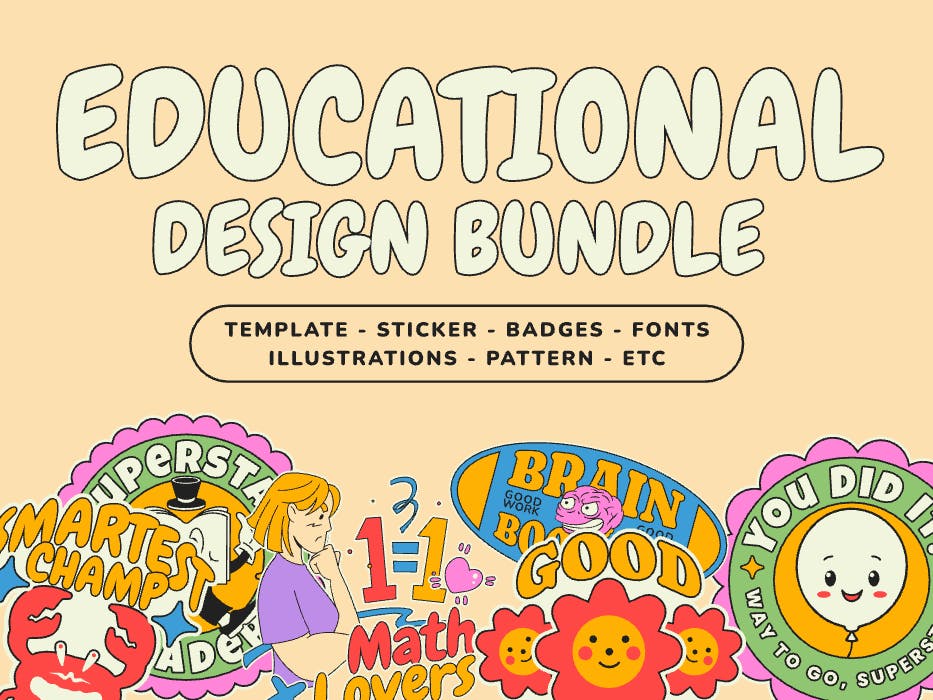
Educational Design Bundles. Use Template
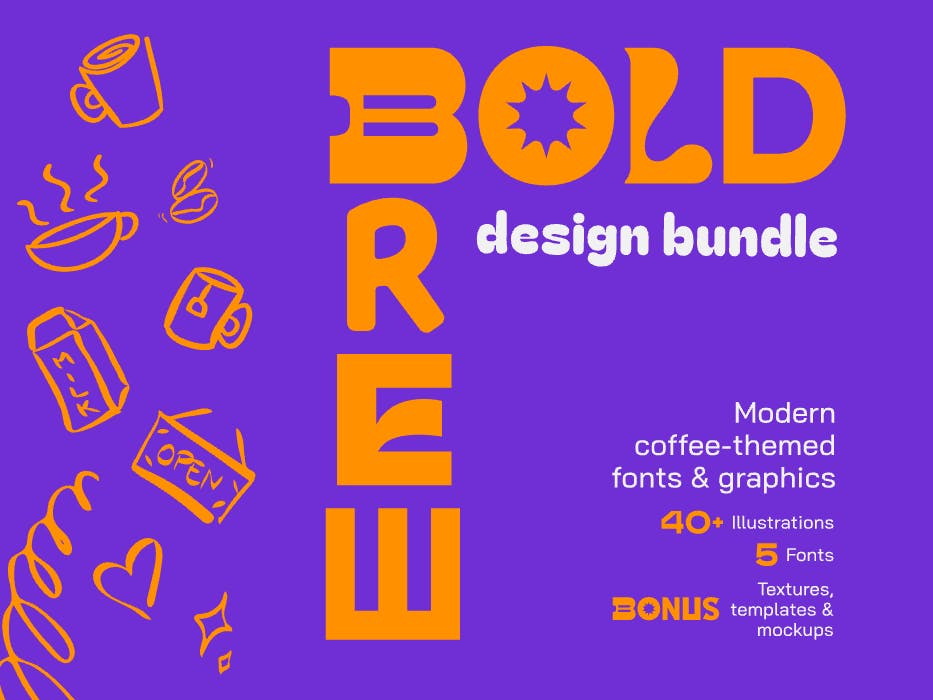
Bold Brew Coffee Design Bundle. Use Template
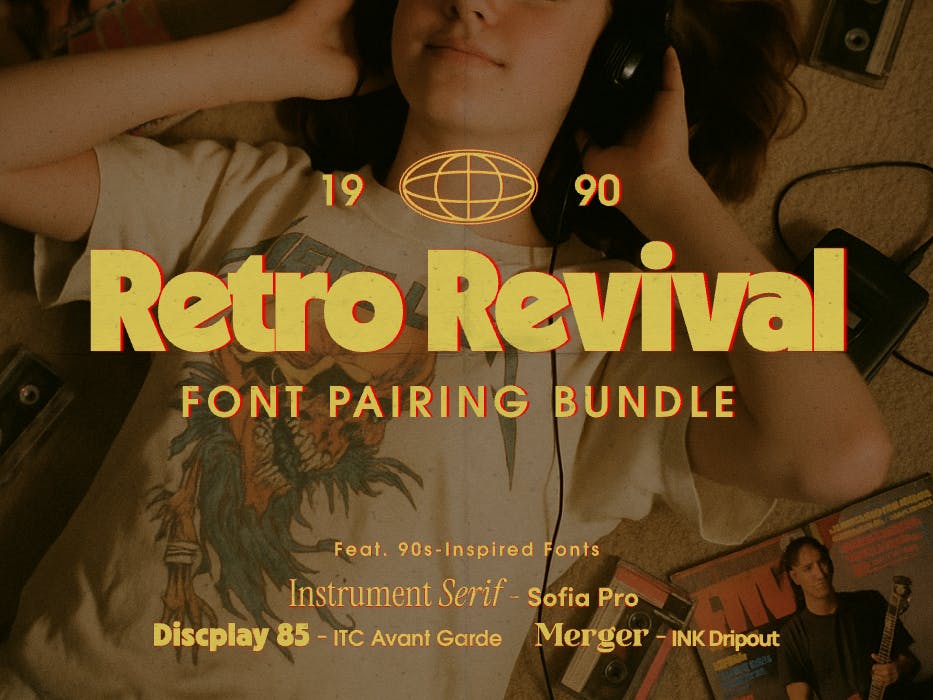
Retro Revival: 90s Inspired Font Pairing Bundle.
Use Template
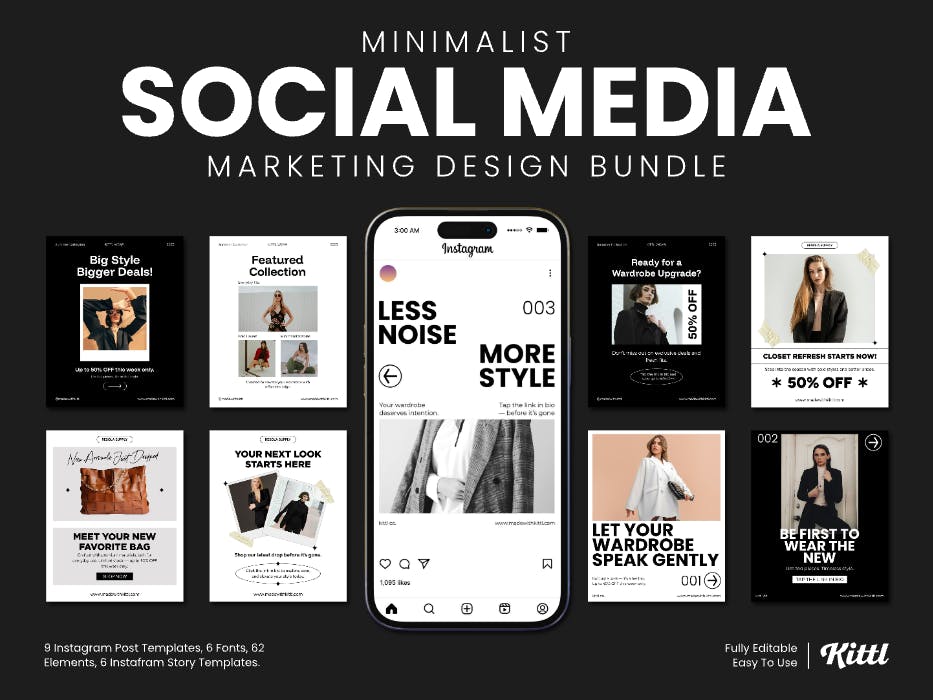
Minimalist Social Media Marketing Design Bundle.
Use Template