

Successfully presenting your work isn’t just about the work itself. Your presentation becomes an example of your work. Whether you’re presenting work for a challenge or a job application, a reviewer won’t just look at your design they’ll notice how its presented. Visually and verbally.
So in this guide, well lay out essential steps to help you build and present your work with maximum impact. We’ll even share some top-quality presentation templates curated by our team of designers to help get you started or inspired!
Looking for expert feedback on your designs? Join the next Kittl design review, an event hosted by Kittl where designers and creatives get expert feedback on their work. Join the next session via our event calendar!
Here are the key takeaways from what you’ll learn:
- How to approach a design challenge or assignment
- What to include in your presentation
- How to structure a presentation effectively
- How to deliver your presentation with confidence
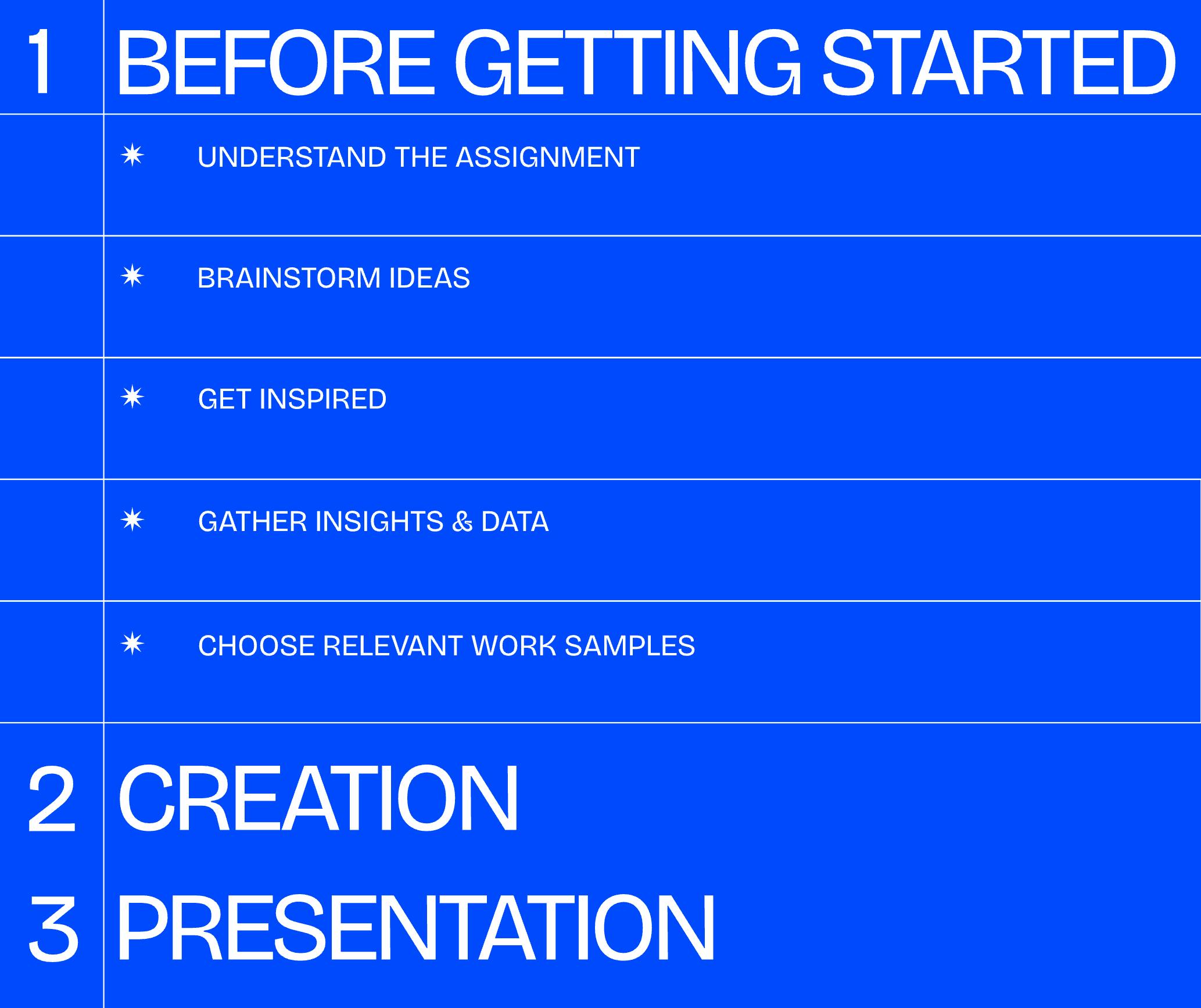
Before getting started
1. Understand the goal
Before you start putting your presentation together, make sure you understand what the company or reviewer is actually looking for. Thoroughly read the requirements and don’t be afraid to ask questions for clarification. If the task includes submitting professional materials, double-check whether you should create a resume or other portfolio items to accompany your presentation.
This sounds simple, but reading directions thoroughly will ensure you don’t miss anything and save you any panic and headaches of realizing too late that you misunderstood the assignment.
2. Brainstorm
After going through the assignment, take some time to process and brainstorm ideas. Setting aside some dedicated thinking time will keep you from jumping into an end goal too quickly. Think your ideas through thoroughly so you can approach the project having assessed multiple options. Then you can dive in confidently with a fully formed plan.
3. Get inspired
Check out other design presentation styles, formats, etc. for inspiration. Browsing through presentation templates in Kittl is an excellent way to gather inspiration. You’ll find an endless number of templates made by professional designers to fuel your creative thinking.

Product Designer Portfolios.
Use Template
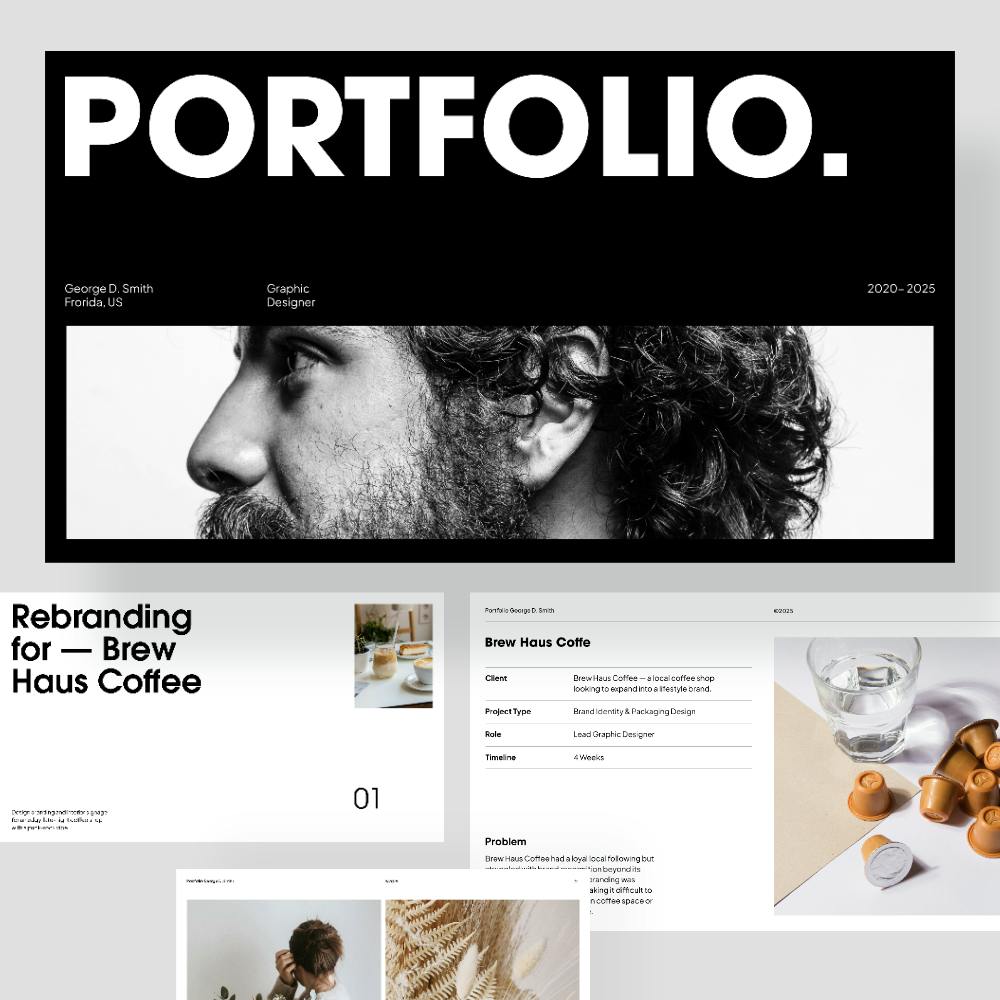
Graphic Design Portfolio Presentation. Use Template

Graphic Designer Portfolio -Jordan Hayes. Use Template
4. Collect a foundation of research
Depending on the type of design challenge, a bit of quick research can lay the foundation for your decisions and later help show your thought process without requiring deep, time-intensive effort. Here are some ways to approach it based on the project type:
- For visual/graphic design challenges (branding, posters, packaging): Research helps understand the audience, brand voice, and what visual styles resonate. You might look at competitive design trends, industry norms, or user preferences in aesthetics and stylistic choices.
- For illustration or creative concept challenges: Research can support storytelling, symbolism, or context for the piece.
- For product or UX design: Knowing the intended context or platform (like mobile vs. large display) and audience expectations helps shape format, layout, and more.
This step helps you shape your direction with intention and shows your evaluators that you’re thinking critically.
Don’t spend too much time on this step. Use it to simply gather information to help inform your decisions and get inspired.
5. Choose or create work that’s most relevant to the assignment
Tailor your project choices to align with the role you’re applying for and the research you’ve done.
Review the job description or challenge brief and identify the core skills or focus areas they care about most, then choose projects that speak directly to those strengths. Or if you’re creating a project specifically for that presentation, ensure your work covers all aspects of the brief.
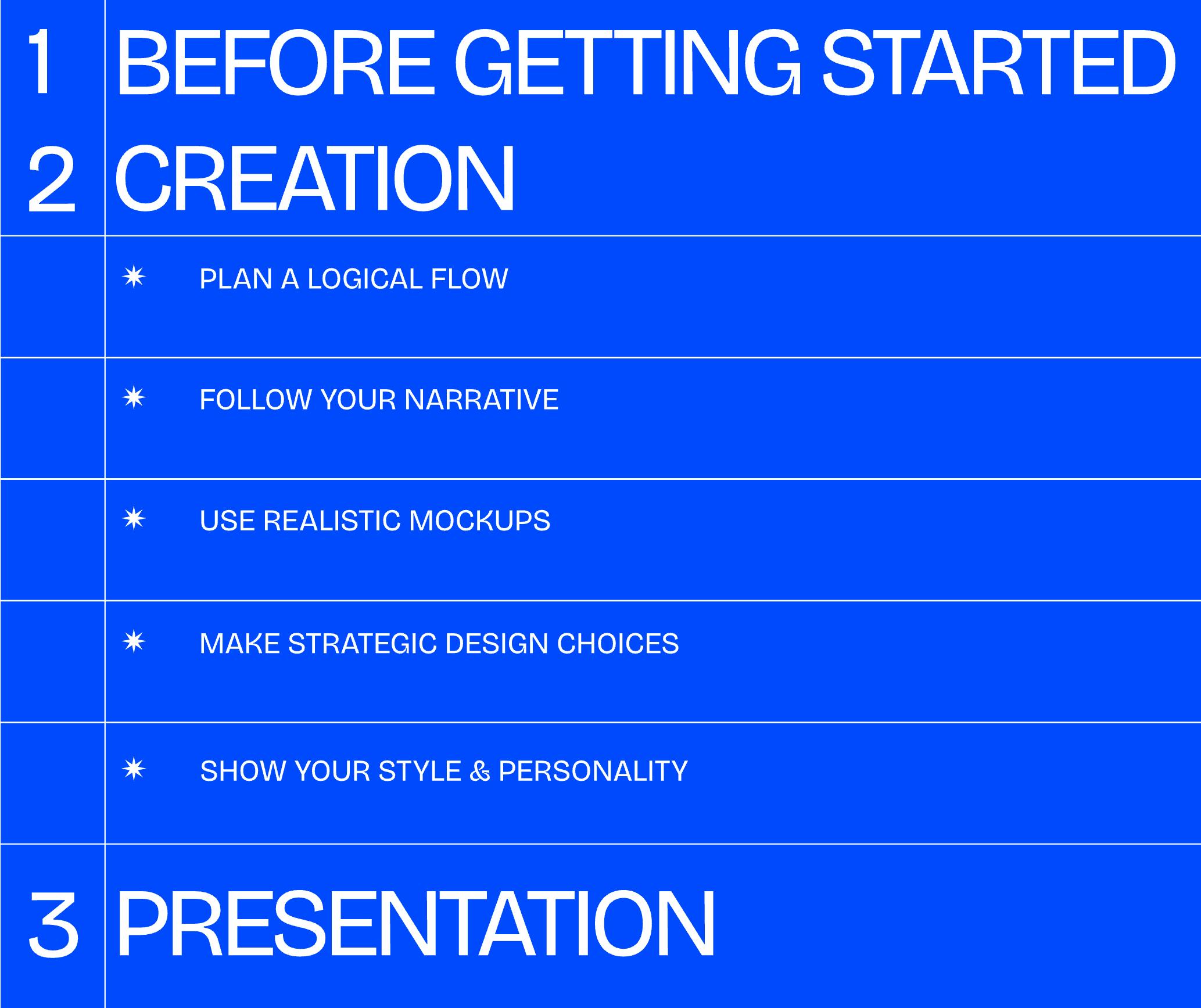
Tips for creating your presentation
1. Plan a logical flow from concept to outcome
Focus on relevent information and structure it in a way that best suits the assignment. A logical flow makes your work easier to understand and more impactful.
For scenarios where you need to present final deliverables to win over the audience, such as design challenges or project proposals, quick context is appropriate. This means focus on:
- A quick overview of the final deliverables.
- Brief context to make the design understandable (the audience, use case, or client goals).
- If relevant (such as for client pitches), briefly explain how it meets the brief or solves the client’s core problem.
- Keep it high-level and focused, especially if the goal is to win over stakeholders or decision-makers.
For scenarios where they want to understand your process, such as job interviews, its often best to think of your presentation like a case study. Your goal isn’t to walk through every detail its to highlight the why behind your work your reasoning and thought process that led to the final result.
Starting with the conclusion or key takeaway can help set the scene. Then go back and explain how you got there. Guide the viewer through your thinking, from research and ideation to mockups and prototyping and back to the final outcome.
Some helpful points to include:
- A summary or key takeaway of the product or project.
- The problem you were solving.
- Your role on the project and how you collaborated (if applicable).
- How you approached the task.
- Why you made the decisions you made along the way.
- The final design, with rationale for key decisions.
- Any results, learnings, or impact your work had.
2. Follow your narrative
On that same note, tell the story behind your work. Rather than listing out features or steps, walk people through your design journey. This helps keep your audience engaged as Chris Anderson shares in his Lessons from Ted.
This also helps you stay focused during the presentation. When you’re telling a story, you’re less likely to ramble or get thrown off by nerves.
3. Incorporate mockups
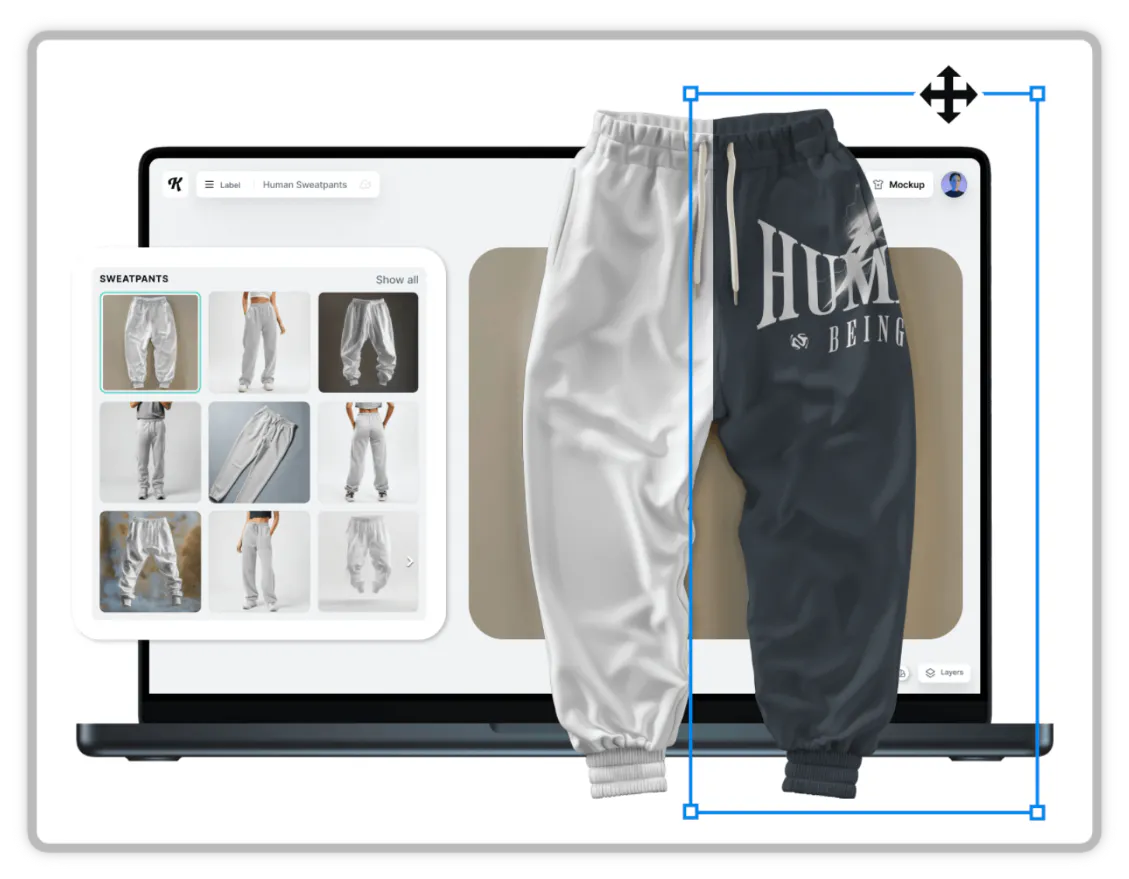
Use mockups to place your designs in realistic settings — whether you’re showcasing posters, infographics, brochures, or even print-on-demand products like bags or apparel.
Using mockups adds an extra level of professionalism to your presentation. It shows your design in a real-life scenario, adding more visual context. It also shows that you’ve considered how your design appears in use, not just in isolation.
Bonus tip: Use mockups to highlight your design’s strengths. If your typography is a key element, make sure its clear and visible in your mockup. If your product has a front and back, then show both. For realistic mockups, use a high-quality mockup generator like the one directly in the Kittl editor.
4. Be strategic with your formatting
Avoid clutter and leave breathing room. Use white space to make your content easy to follow and guide your viewers attention.
Stick to short, clear and concise text. Use consistent typography and ensure everything is readable across screen sizes. On top of that, use consistent text hierarchy to help guide the viewers attention and support the flow of your story.
Keep your visual language clean and cohesive throughout with consistent spacing, typography, and palettes.
5. Reveal your style and personality
This loops back to our portfolio tips for graphic designers. Your presentation is another opportunity to showcase your design voice and unique point of view. A few key takeaways from our portfolio tips guide as it relates to sharing your unique style and personality:
- Apply a consistent visual style and tone across your portfolio to make your work feel cohesive and memorable.
- Don’t overlook authenticity. Let your genuine style and voice shine through in your design choices.
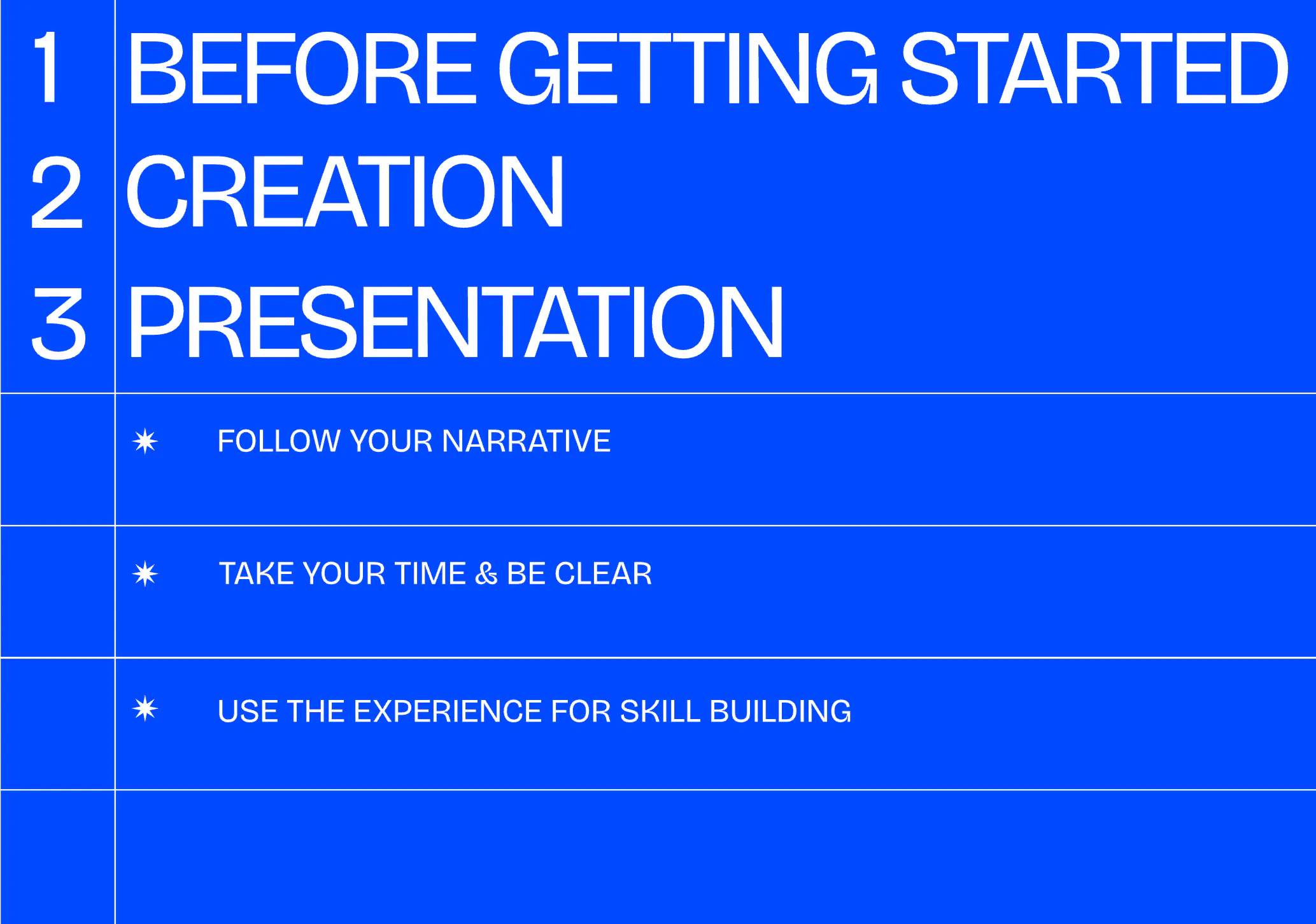
Tips for presenting your work
Designing your slides is just one part. Presenting your work effectively is where you really make an impact. Here are some essential tips to keep in mind to present your work.
1. Memorize the flow and your story
If you’re presenting live or recording a walkthrough, practicing ahead of time makes a huge difference. Walk through your slides out loud ideally to someone else and take note of any weak spots or unclear transitions. If there’s no one you can rehearse with, record yourself rehearsing as if you’re speaking to someone. Then you can go back and review any strengths and weak areas.
Practicing helps calm your nerves, makes your delivery smoother, and gives you confidence. It also helps you spot any gaps in your story that may lead to questions. So you can ensure your presentation is thoroughly done.
2. Take your time
Don’t rush through your presentation. If you’ve practiced and prepped well, you’ll know your flow so trust yourself. Take your time to walk through your ideas clearly and stay connected to your audience.
Rushing makes it feel like its about just you and your slides. But really, its about your story and connecting to your audience. Your slides are there to support you not the other way around.
3. Use the experience as practice
You can leverage this opportunity for more than what it is you can use it as valuable practice for future presentations. There’s no better way to grow a skill than through real-life scenarios. As with any skill, the more you practice, the better youll get. Using the best PowerPoint AI tools can also help you create more engaging and polished presentations, making your practice sessions even more effective
So take note of what goes well and what you could improve on for future presentations.
Key takeaway
Remember, creating an impactful presentation as a designer requires more than just showcasing your great work. Great presentations rely heavily on the prep work — how you plan, structure, and set yourself up to communicate your ideas.
Here are the essential things to keep in mind, broken down into the three stages from above:
Planning
- Understand the brief or prompt fully. Ask questions early if necessary.
- Choose or build work that directly relates to the role, challenge, or skills being evaluated.
- Do light, focused research to inform your direction — even for visual or conceptual projects.
Designing
- Structure your content like a story: from context and process to outcome.
- Use clean, consistent formatting and visuals to keep your ideas easy to follow.
- Infuse your personal style — your presentation is a design piece too.
- Add mockups or real-world applications to bring your work to life.
Presenting
- Tell a clear narrative that explains not just what you made, but why.
- Practice your delivery until it feels natural, not scripted.
- Slow down and connect with your audience.
With thoughtful prep, strong visuals, and a confident narrative, your presentation can become just as impressive as the work itself.
Final tips
- Always fully read the brief.
- Don’t be afraid to reach out and ask questions. But do so early! Definitely not a few days before the deadline.
- Ensure you’ve included all required information and elements before getting too creative.
- Go to your peers and ask for feedback.
- If presenting live or in a recording, always practice until you feel comfortable and confident.