What’s New in Kittl: Learning Hub, Liked Mockups in Dashboard, and More AI Styles
This week in Kittl, we’re making it easier to learn as you create, get back to your favorite mockups faster, and generate even more distinctive visuals with new AI Styles.
1) Learning Hub in the Editor
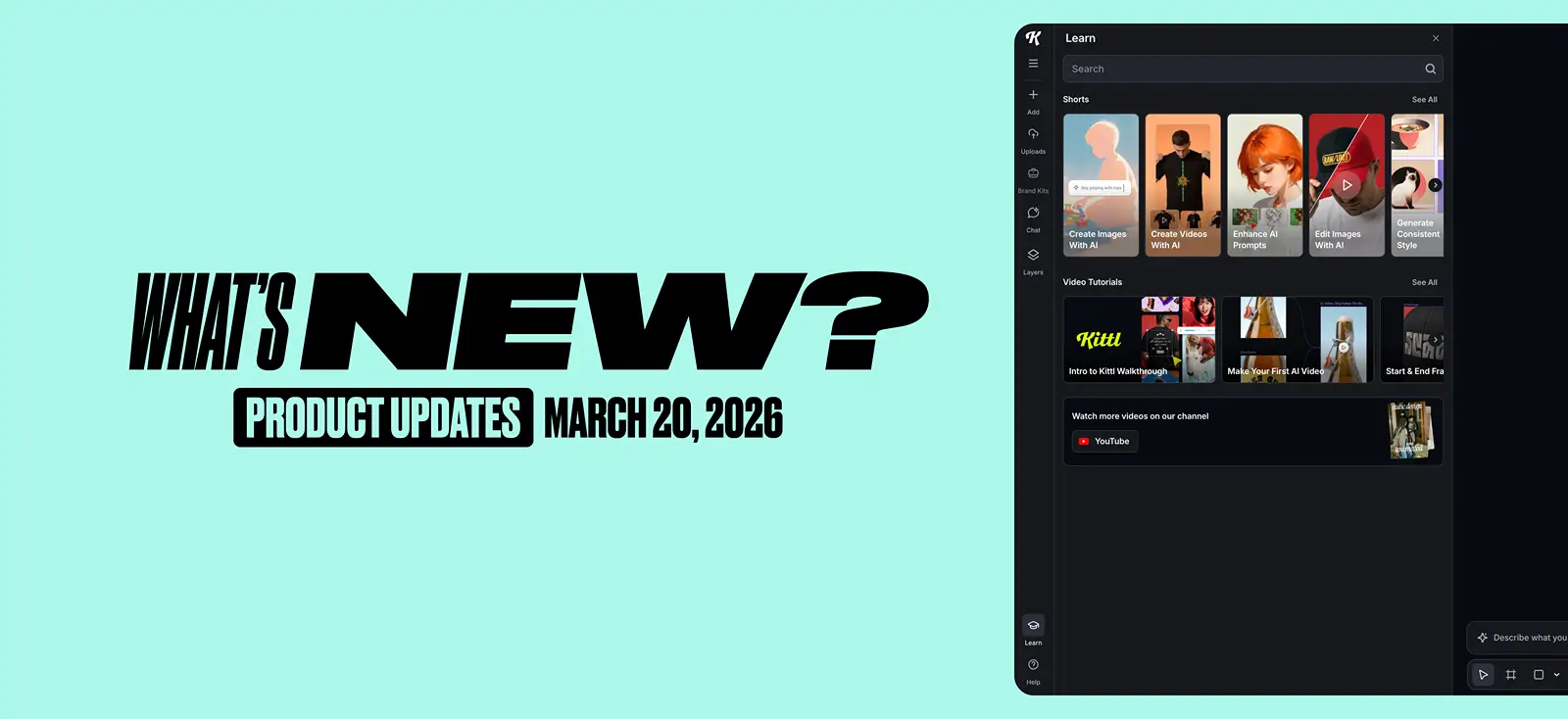
We’ve introduced a new Learning Hub directly inside the editor, giving you quick access to tutorials and short educational videos without interrupting your workflow. Instead of leaving the canvas to search for help, you can now discover tips, learn features, and watch guidance right where you work.
2) View liked mockups in your dashboard
You can now access your liked mockups from the dashboard. If you’ve “Liked” a mockup, you’ll now see a dedicated Mockups tab in your Likes view, making it easier to find and reuse

3) A new AI Styles category: “Design”
We’ve added a new AI Style category: Design — created for posters, t-shirts, and POD graphics. Unlike generic image styles, these are built to treat typography as part of the composition itself, with type interacting with elements, sitting behind objects, and breaking edges for more intentional, layout-driven results.


Tobias Saul is a co-founder and chief product officer at Kittl, where he leads the vision for making professional design tools simpler, smarter, and more inspiring to use. With a background in typography, lettering, and graphic design, Tobias brings a deep appreciation for craft and detail to Kittl’s product and brand experience.