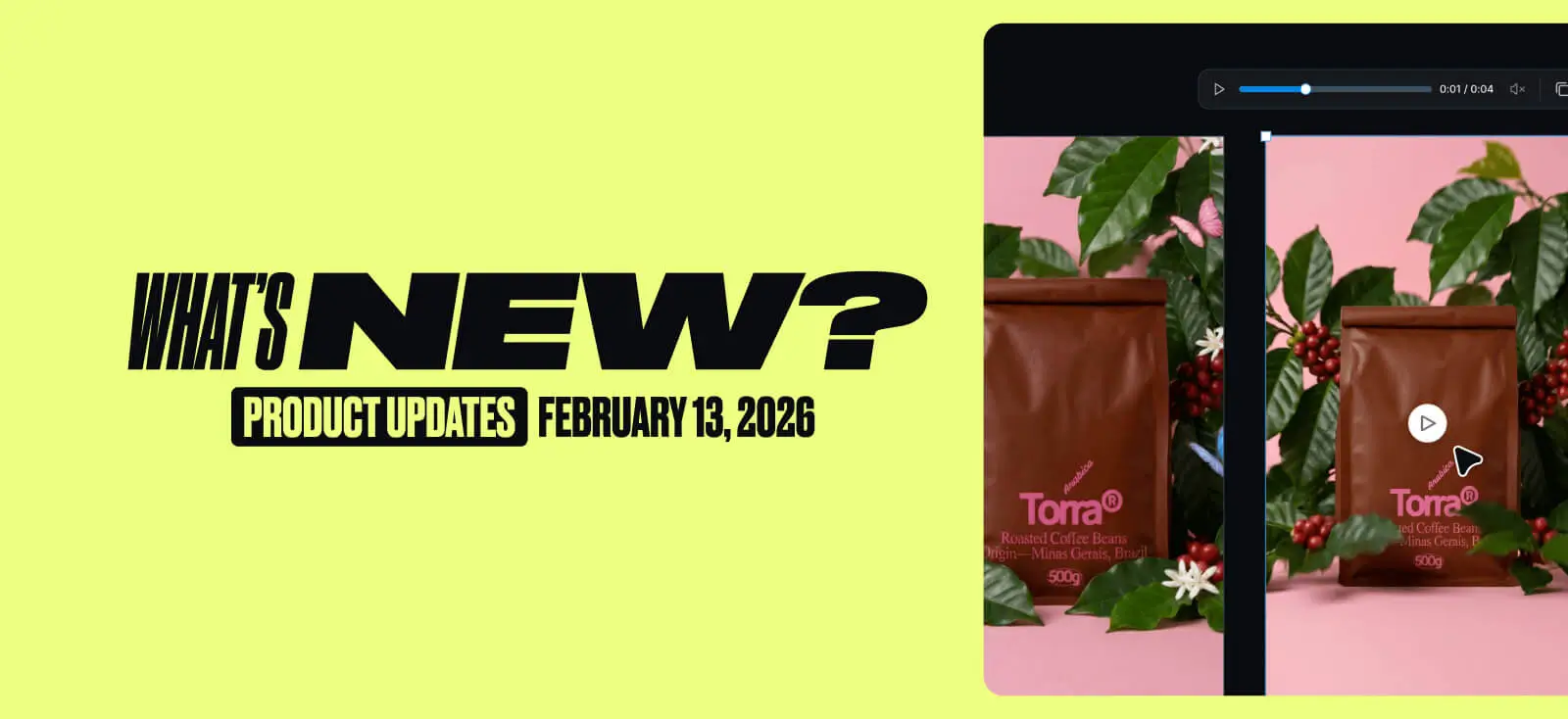
This week in a nutshell: Turn designs into short Videos, roll back instantly with Version History, and get ~2× more AI images per token with lower token costs 🚀
New in Kittl
1. AI Video Generation
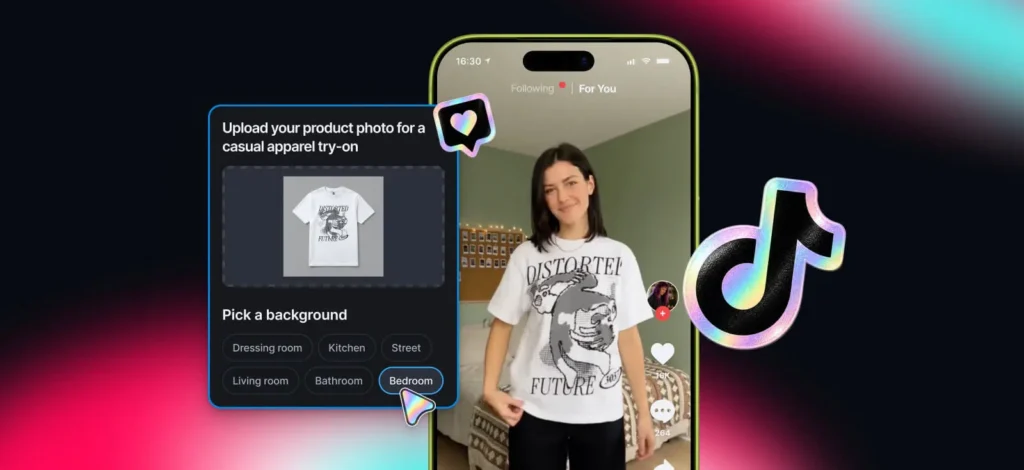
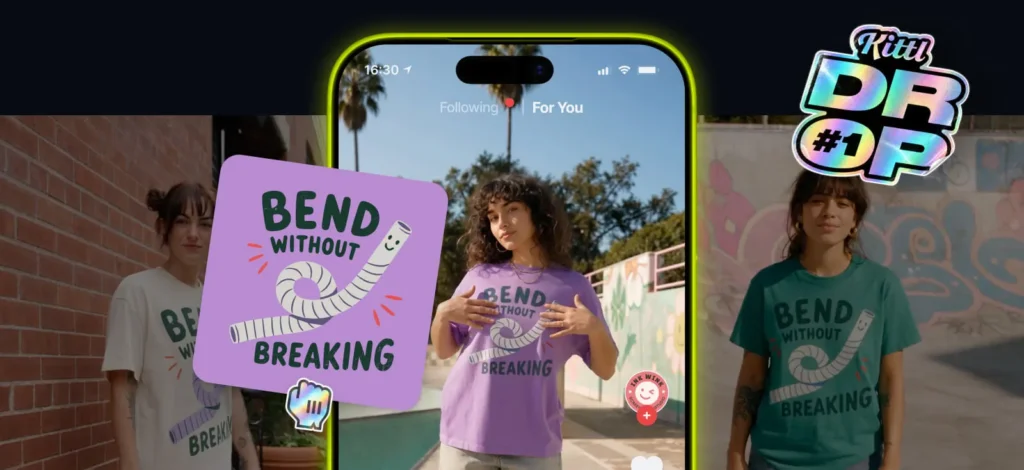
Turn designs into short, scroll-stopping motion right in Kittl. Great for:
- social promos + brand posts
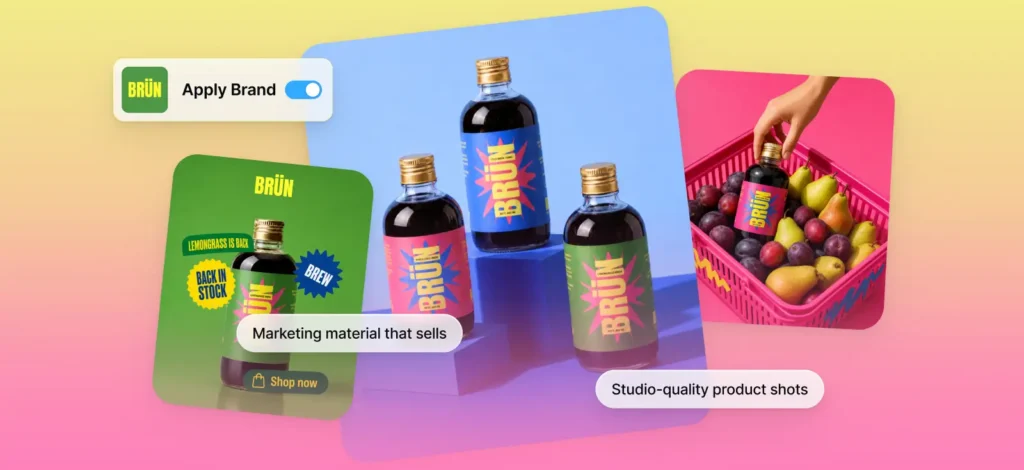
- product highlights (animate your mockups)
Workflow: Design → prompt → animate
Why it matters: animate designs in minutes. No extra tools or animation learning curve.
Want more examples? Check the Video details here.
2. Version History
Version History automatically saves your design so you can jump back anytime.
- auto-saves every 15 minutes.
- preview earlier versions.
- restore with one click.
Why it matters: a safety net while iterating fast, recover from mistakes or unexpected crashes.
Available on paid plans.
3. New AI models: Flux.2 klein and Runway Gen-4.5
Meet Flux.2 klein (AI Image model), built for speed and high-volume creation.
- generates in ~2 seconds
- costs 2 tokens per image
- supports edit + remix
Why it matters: explore more directions and regenerate variations without burning through your tokens.
Meet Runway Gen-4.5 (AI Video model), a top-rated video model for generating cinematic scenes with more natural motion and sharper detail.
- Realer motion: movement has weight, momentum, and flow
- Crisper details: textures + reflections stay sharp and consistent
- More style range: from cinematic realism to bold, stylized looks
Made for:
- Marketing and ads: stunning product demos that feel shot on set.
- Social and creator content: quick, scroll-stopping clips for TikTok, Instagram Reels, and YouTube Shorts.
Updates in Kittl
4. Faster template browsing with multi-artboard previews
You can now preview every artboard in a template without opening the editor.
Why it matters: faster scanning, faster picking, less clicking.
5. AI images are private by default with option to publish
Previously, you could set AI images to public and new generations would follow that setting. Now, AI images are private by default for all users, and you could publish your selections to the AI gallery. Our team will review and curate the best ones to showcase in the AI gallery.
Why it matters: more intentional sharing, and your public posts reflect what you actually want to put out.
6. Contextual toolbar + right-click upgrades
We’ve updated the toolbar and right-click menu to bring your most-used tools front and center — right when you need them.
- Contextual toolbar: key tools surface based on what you select
- Contextual (Right-click) menu: cleaner layout, smarter grouping, easier to scan
Why it matters: fewer clicks, faster edits, less hunting for tools.


7. Faster workflow with improved copy & paste
Copy and paste elements without shifting their position so alignment stays intact.
Why it matters: faster iteration, consistent layouts, less re-aligning.
8. Plans & token updates: More generations for the same tokens
- Token costs dropped across key models, roughly 2× more images for the same tokens:
| Model | Now | Before |
| Flux 1.1 Pro Ultra | 15 | 20 |
| Flux Kontext Pro | 15 | 20 |
| Flux 1.1 Pro | 10 | 20 |
| Google Imagen 4 | 10 | 20 |
| Ideogram 2.0A | 10 | 20 |
| Ideogram 3 Quality | 20 | 40 |
| Seedream 3 | 10 | 20 |
- Now some plans have daily credits:
- Expert: 200/day
- Max: 600/day
- Business got renamed to Max
Why it matters: you stay in the creative flow instead of watching the token meter. Daily credits give you more room to experiment, and lower image costs let you generate and iterate more per token.
Got feedback?
We’d genuinely love to hear it. What’s working, what’s getting in the way, and what you want next. Share an email anytime at julia@kittl.com (Julia, PMM Lead at Kittl).

Tobias Saul is a co-founder and chief product officer at Kittl, where he leads the vision for making professional design tools simpler, smarter, and more inspiring to use. With a background in typography, lettering, and graphic design, Tobias brings a deep appreciation for craft and detail to Kittl’s product and brand experience.