This week in Kittl: New AI video and image models, plus lower token costs.
This update is all about creating more with AI. We added 3 new AI models and reduced token costs on key image models—so you can explore more directions and iterate faster inside Kittl.
New in Kittl
1. AI Video models: Kling 3.0 standard and Grok Imagine
1.1 Kling 3.0 standard
The newest (and strongest) version of Kling—built for transforming text, images, and references into 3–15s cinematic clips with built-in audio.
Best for
- Scroll-Stopping Content. Produce short-form videos with native sound, and smooth motion built for Instagram, TikTok, and YouTube feeds.
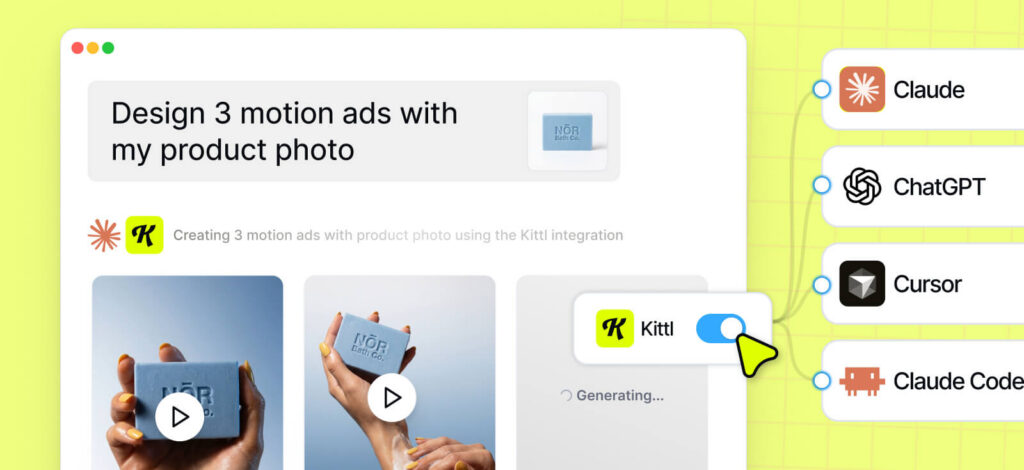
- Product Ads in Minutes. Generate polished commercial videos from a single product image. Complete with camera movement, lighting, and voiceover.
Capabilities:
- Duration: 3s–15s
- Tokens per sec: 18
- Audio: yes
- Frame References: Start & End frames
1.2 Grok Imagine
xAI’s new multimodal video model that turns text prompts (or a single image) into short video clips with synchronized audio and coherent motion. It’s especially fast and great at preserving small details (like text) in reference images.
Best for
- Scroll-stopping social clips: Quick videos with native audio for Shorts/Reels/TikTok.
- Text-heavy design animations: Animate posters, packaging, and promos while keeping small text and layouts sharp.
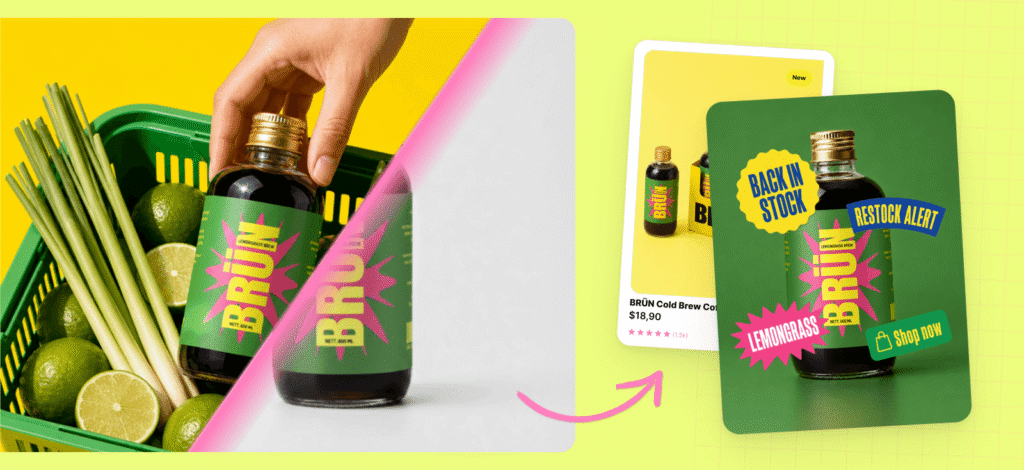
- Fast product promos: Generate a clean product video from one image with motion, lighting changes, and synced sound.
Capabilities:
- Duration: 2s/5s/6s/8s/10s/15s
- Tokens per sec: 16
- Audio: yes
- Frame Reference: 1 frame only (Start frame)
Not sure how to create a video in Kittl? It’s simple:
- Open the AI panel
- Add a start frame (how your video begins)
- Optional: add an end frame (how your video ends)
- Write a prompt describing what should happen between the frames
Quick walkthrough:
2. New AI Image model: Recraft V4
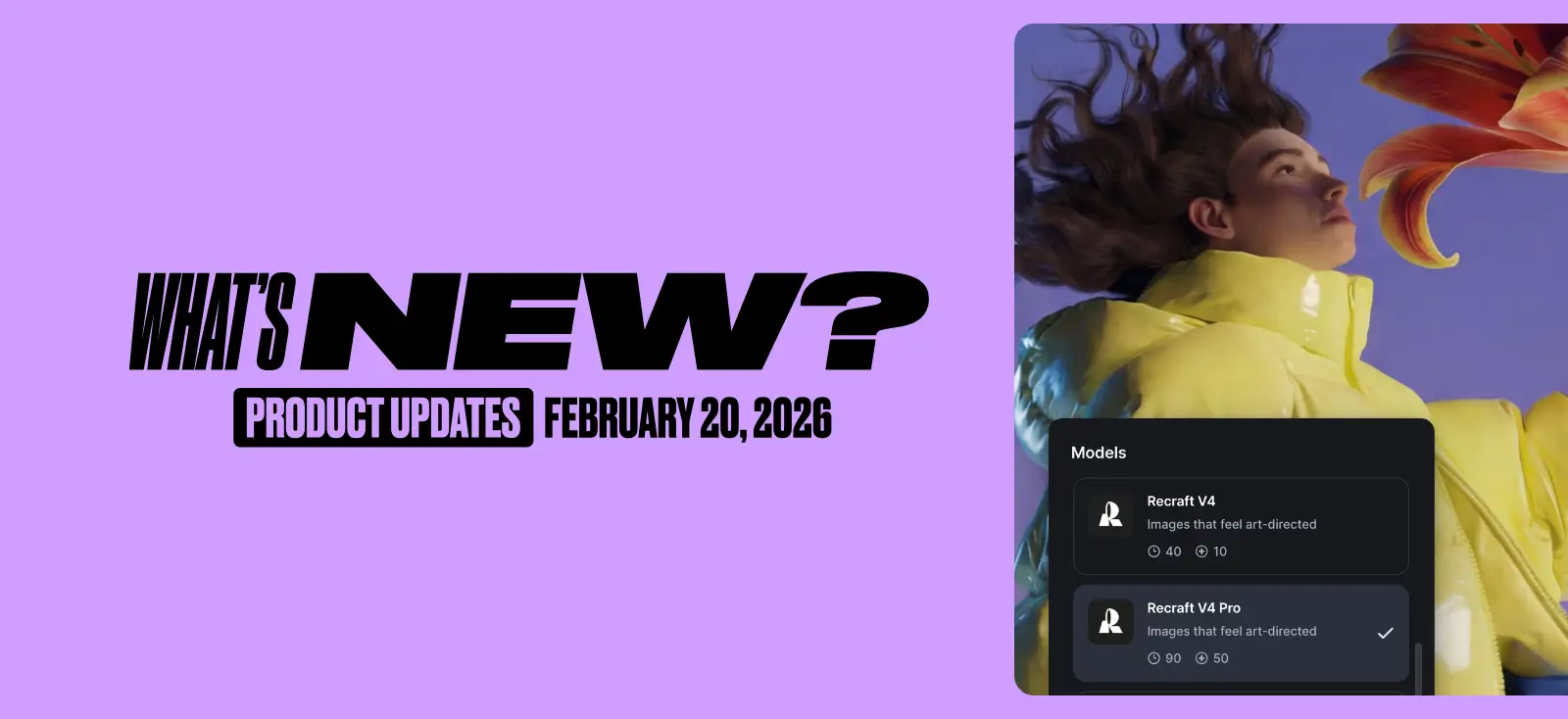
Meet Recraft V4*. It’s a new image generation model focused on graphic design use cases, it’s strong at prompt understanding, typography, and high-quality graphic outputs, with lots of aspect ratios to choose from.

Best for
- Brand campaign visuals. Generate clean, design-forward visuals for posters, hero banners, and social creatives with strong prompt understanding.
- Typography-Led Layouts. Create editorial-style compositions where text needs to look intentional and readable (headlines, label-style designs, type-heavy posters).
- Logos, icons and graphic elements. Generate lots of logo directions and icons, and graphic elements fast—then pick a style and iterate.
Token cost:
- 10 per image (standard mode)
- 50 per image (Pro mode – higher quality)
* It’s not capable of editing/remixing images
3. Token updates: More generations for the same tokens
Token costs dropped across key models—so you can get up to ~2× more images for the same token budget.
| Model | Now | Before |
|---|---|---|
| Nano banana Pro | 30 | 40 |
| ChatGPT Image 1 | 5 | 14 |
Why it matters: Lower costs = more experimentation, more iterations, faster design loops.
4. More AI Styles
Brand-new AI Styles. We just added new styles designed to help you generate more distinctive, on-brand visuals straight from Kittl AI, including Vector and logotype styles
5. Labels on the left panel on editor
New users will now see labels next to the left menu icons by default. Prefer the cleaner look? You can hide or re-enable labels anytime in Settings.
Why it matters: Makes it easier to find what you need—especially when you’re new.

Tobias Saul is a co-founder and chief product officer at Kittl, where he leads the vision for making professional design tools simpler, smarter, and more inspiring to use. With a background in typography, lettering, and graphic design, Tobias brings a deep appreciation for craft and detail to Kittl’s product and brand experience.