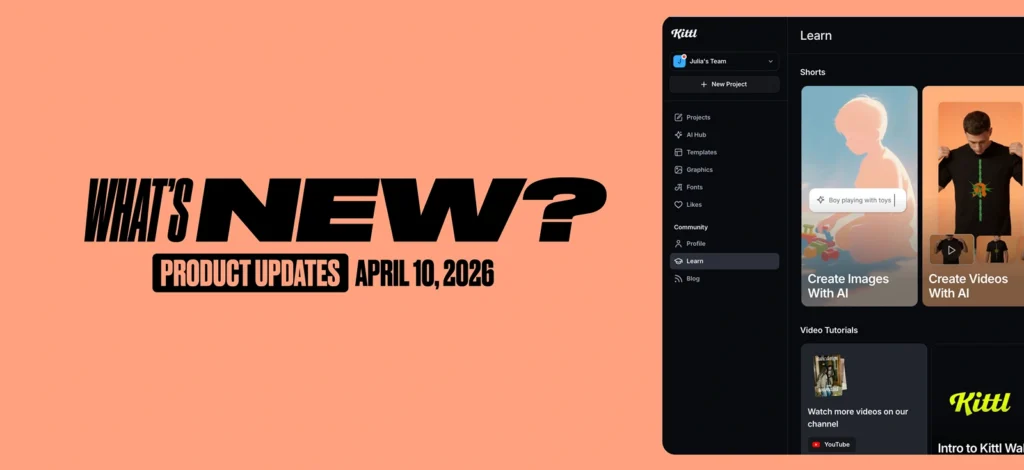

We’ve just rolled out a fresh batch of updates. All designed to remove friction and speed up your workflow, especially when you’re in the zone. Here’s what’s new:

Kittl Flows (Beta): One idea. Endless directions
Flows takes any starting point – like a design, layout, or even a sketch – and turns it into a bunch of creative variations in seconds. Different styles, colors, compositions… all without starting over from scratch. Get started with a template:
- Product Ad Generator Flow
- Brand Creator Flow
- 3D Element Creator Flow
- Mosaic Creator Flow
- Enamel Pin Maker Flow
- Apparel Shoot Flow
- Chrome Text Effects Flow
Draw Vector Paths
Continue drawing paths with the Pen tool even when you’re not in edit mode. Just click where you left off and keep going.
Instantly select all nodes
Select all nodes in any path with Cmd+A (Mac) or Ctrl+A (PC). No more clicking each node individually.
Bulk Editing
Apply fills, borders, and shadows across multiple selected objects at once, even if they’re a mix of vectors and images. (Not supported yet: Bulk editing colors for illustration assets)
Add/remove nodes with Pen tool
Add nodes by clicking on any path segment, or remove them by clicking existing nodes. The Pen tool now handles both without switching tools.
Borders for images
You can now add customizable borders to image layers — no hacks or workarounds needed.
Smarter snapping
Snapping is now cleaner, sharper, and more responsive.
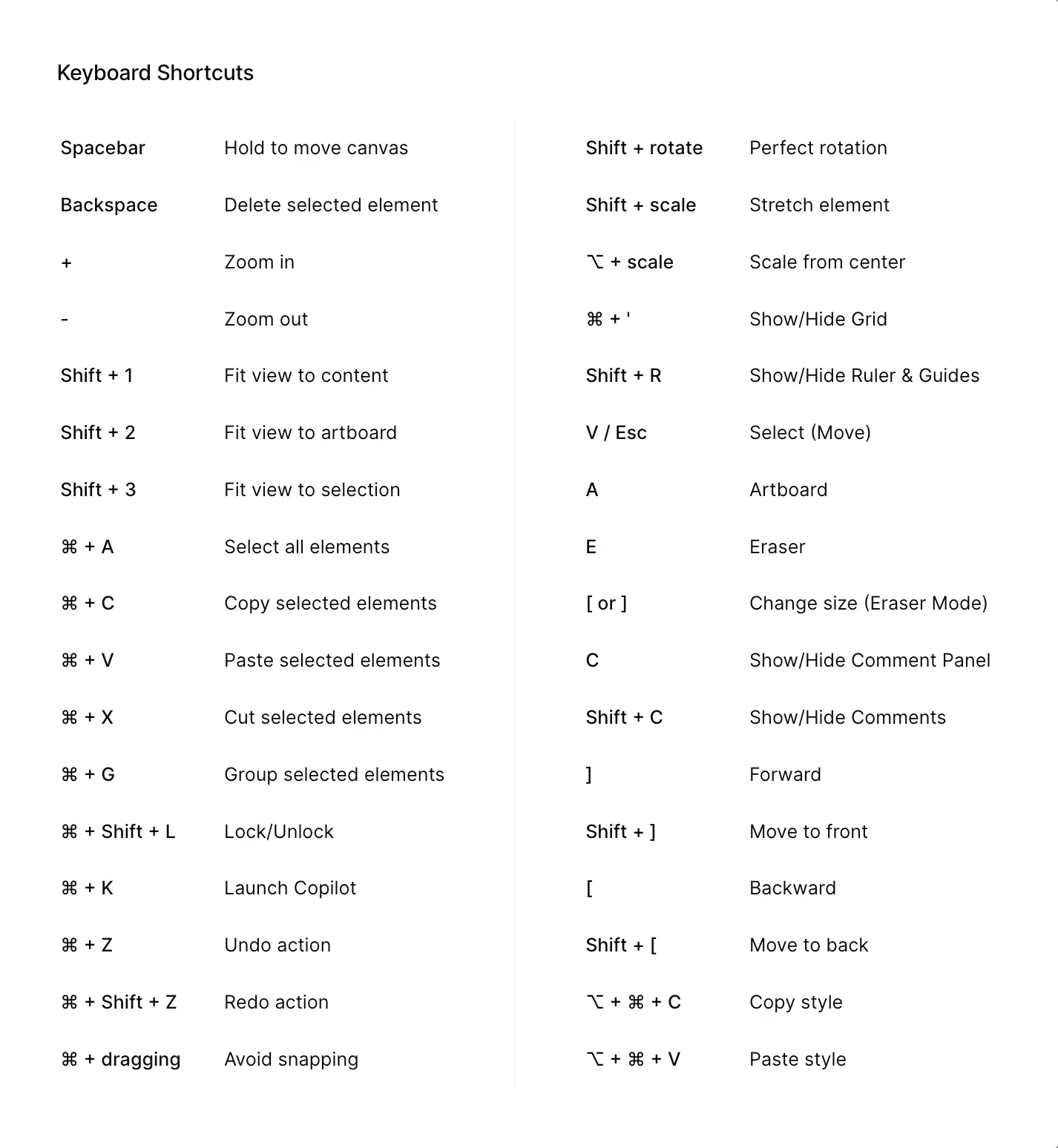
New keyboard shortcuts make it faster to lock, arrange, and duplicate — no more digging through menus. Check the full list of shortcuts in the blog.
Full list of shortcuts:
Every click feels smoother, helping you stay focused and create without interruption.
Since launching Kittl Flows, we’ve been amazed by all your feedback. We’re working hard to incorporate your suggestions before the big release on July 23rd. Keep sharing your thoughts here or email our release team directly at rhughes@kittl.com

Tobias Saul is a co-founder and chief product officer at Kittl, where he leads the vision for making professional design tools simpler, smarter, and more inspiring to use. With a background in typography, lettering, and graphic design, Tobias brings a deep appreciation for craft and detail to Kittl’s product and brand experience.